Blog
Blog
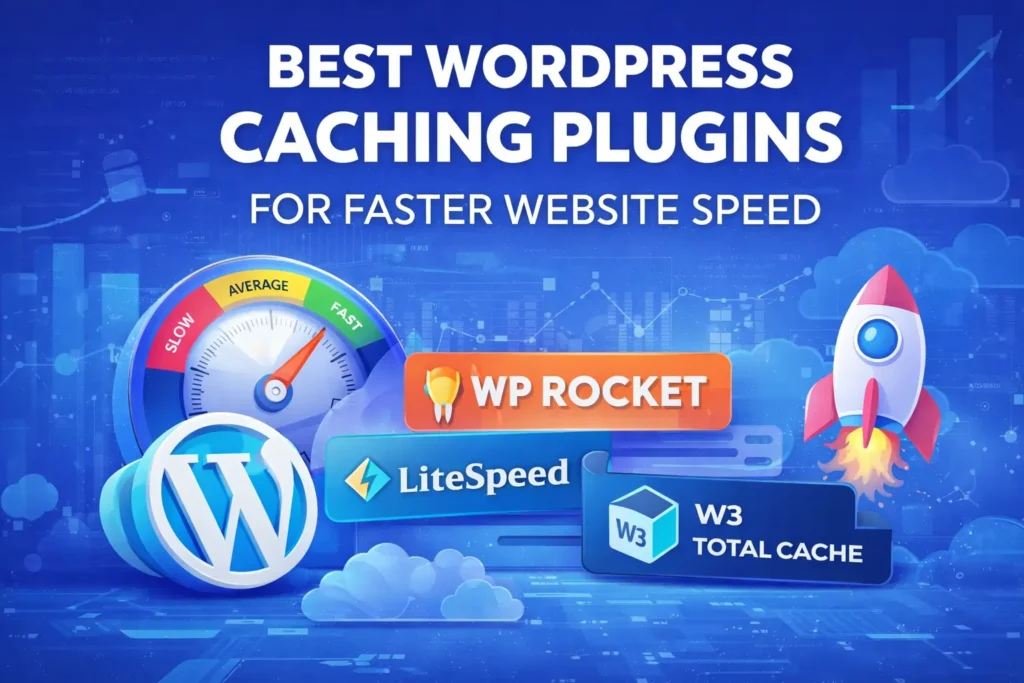
If you have spent any amount of time building websites, you know that speed isn’t just a “nice to have” feature—it is the very foundation of your site’s success. The digital world moves faster than ever. Users no longer wait three seconds for a page to load; they bounce. Google doesn’t just suggest speed; it penalizes slow sites through its refined Core Web Vitals metrics. In this environment, choosing the Best WordPress Caching Plugins is the single most effective way to transform a sluggish site into a high-performance conversion machine.
In this guide, we will break down the top-tier caching solutions available today. Whether you are a beginner looking for a “set it and forget it” tool or a developer who wants to tweak every kilobyte of data, these are the Best WordPress Caching Plugins to protect your rankings and delight your visitors.
The Speed Mandate: Why Caching is Non-Negotiable
Before we dive into the specific plugins, we need to understand the “why.” Every time a visitor clicks on your site, WordPress has to run a complex process: it talks to the database, loads your theme files, executes PHP scripts, and finally assembles an HTML page to show the user. This takes time and server resources.
Caching effectively creates a “snapshot” of that finished page. When the next visitor arrives, your server simply hands them the pre-made snapshot instead of rebuilding the page from scratch. This reduces server load by up to 90% and can cut your load times from seconds down to milliseconds.
Search engines also prioritize Interaction to Next Paint (INP). A good caching plugin doesn’t just speed up the first load; it ensures your site feels “snappy” and responsive as users interact with it.
1. WP Rocket: The “Gold Standard” for Performance
WP Rocket has consistently held the title of the Best WordPress Caching Plugin for users who value their time. It is a premium-only tool, but it is famous for its “80% optimization on activation” philosophy.
Why it Wins
WP Rocket has stayed ahead of the curve by being one of the first plugins to prioritize Core Web Vitals specifically. They didn’t just stop at caching; they built a full performance suite.
- Instant Setup: Unlike other plugins that require a degree in computer science to configure, WP Rocket applies the best caching practices the moment you activate it.
- Core Web Vitals Focus: It includes advanced features like Delay JavaScript Execution and Remove Unused CSS. These are critical for hitting those high “Green” scores in PageSpeed Insights.
- Preloading: Most caching plugins wait for a visitor to “trigger” the cache. WP Rocket’s crawler automatically visits your pages to ensure the cache is ready before your first visitor arrives.
Pros:
- Incredibly user-friendly interface.
- The most stable and widely compatible plugin on the market.
- Combines caching with file optimization, database cleanup, and CDN integration.
Cons:
- No free version available.
- Annual subscription model.
2. LiteSpeed Cache: The Server-Level King
If your web host uses LiteSpeed Web Server (common with many performance-focused hosts), this is hands-down the Best WordPress caching plugin choice for you. Because it communicates directly with the server, it is significantly faster than PHP-level caching.
The Server-Side Advantage
- LSCache Technology: It bypasses the “bottleneck” of PHP and delivers pages directly from the server’s memory.
- Object Cache Support: It includes built-in support for Redis and Memcached, which are essential for speeding up the “backend” of your site (like the WordPress Admin or WooCommerce cart).
- Image Optimization: It includes a completely free, high-tier image optimization service that converts your images to WebP and AVIF formats automatically.
Pros:
- Completely free and open-source.
- Includes features that others charge $100+/year for.
- Best performance for E-commerce and high-traffic dynamic sites.
Cons:
- The full power is only available on LiteSpeed servers.
- The settings dashboard can be very overwhelming for beginners.
3. FlyingPress: The Modern Speed Specialist
FlyingPress has taken the community by storm. It is a premium plugin designed by speed enthusiasts who felt that older plugins were becoming too “bloated.” It focuses on Real World Performance over just “PageSpeed Scores.”
What Makes it Unique
- Lazy Render HTML Elements: It can delay the rendering of heavy parts of your page (like your footer or comments section) until the user actually scrolls to them.
- Critical CSS Generation: It generates the CSS needed for the “above the fold” content instantly, ensuring users see your site immediately.
- Built-in Bloat Remover: It can disable unnecessary WordPress features (like emojis, embeds, and XML-RPC) with one click.
Pros:
- Often produces the best Largest Contentful Paint (LCP) scores.
- Cleaner, more modern UI than many older competitors.
- Excellent customer support.
4. WP-Optimize: The All-in-One Swiss Army Knife
If you want a plugin that handles more than just caching, WP-Optimize is a top contender for the Best WordPress Caching Plugins title. It combines caching, database cleaning, and image compression into one powerful package.
Features That Matter
- Database Surgery: WordPress stores a lot of “trash” over time (post revisions, trashed comments, expired transients). WP-Optimize cleans this out safely, keeping your database lean.
- GZIP Compression: It automatically shrinks your files before they are sent to the visitor’s browser.
- Device-Specific Caching: It can serve different versions of your site to mobile and desktop users, ensuring a perfect experience on every screen.
Pros:
- The free version is very generous.
- The “all-in-one” approach means you need fewer plugins overall.
5. W3 Total Cache: The Developer’s Playground
For the tech-savvy crowd who wants absolute control over every byte, W3 Total Cache remains a staple. It is arguably the most complex of the Best WordPress Caching Plugins, but its flexibility is unmatched.
- Fragment Caching: Perfect for developers who want to cache specific parts of a page while keeping others dynamic.
- Reverse Proxy Support: Integrates with Nginx and Varnish for enterprise-level setups.
- Extension Framework: Allows you to add custom functionalities for specific themes or plugins.
Pros:
- Highly customizable.
- Works on almost any hosting environment (Apache, Nginx, LiteSpeed).
Understanding Caching Layers: The Key to Success
To truly optimize your speed, you need to understand that caching isn’t just one “thing.” The Best WordPress Caching Plugins handle multiple layers that work together to create a fast user experience.
1. Page Caching
The most basic form. It stores the final HTML of a page so the server doesn’t have to re-process PHP code every single time. This is the “big win” for most blogs.
2. Browser Caching
This tells the visitor’s browser (Chrome, Safari, etc.) to store certain files (like your logo or CSS) locally. The next time they visit, their browser doesn’t even have to ask your server for those files—it just loads them from their own computer.
3. Object Caching (Redis/Memcached)
This caches database queries. This is the “secret weapon” for WooCommerce sites. If you have a slow checkout or a lagging admin dashboard, object caching is often the missing piece of the puzzle.
Advanced Performance Tactics Beyond Caching
Even the Best WordPress Caching Plugins work better when the rest of your site is optimized. Here is what you should look for to stay ahead of the competition:
JavaScript Execution
JavaScript is often the biggest “speed killer.” Modern plugins allow you to “Delay” JavaScript execution. This means the script doesn’t run until the user actually interacts with the page (like clicking or scrolling), which makes the initial load feel instant.
CSS Optimization
Unused CSS can bloat your site. Look for a plugin that can extract only the “Critical CSS”—the styles needed to show the top of your page—and load the rest later.
CDN Integration
A Content Delivery Network (CDN) stores your cached files on servers all over the world. If your visitor is in London and your server is in New York, a CDN serves the files from London, cutting down the distance data has to travel.
Frequently Asked Questions (FAQ)
Q: Can I use two caching plugins together? Absolutely not. This is the #1 mistake people make. Two plugins will try to rewrite your .htaccess file or handle headers at the same time, leading to crashes, white screens of death, and massive errors. Pick one and stick with it.
Q: Does my host already have caching? Many managed WordPress hosts (like Kinsta, WP Engine, or SiteGround) have server-level caching built in. In these cases, you might not need a plugin for “Page Caching,” but you can still use tools like WP Rocket to handle “File Optimization” (minifying CSS/JS).
Q: Will a caching plugin fix my slow host? It will help, but it’s like putting a racing engine in a broken car. If your hosting is fundamentally poor, a plugin can only do so much. Caching works best when paired with high-quality hosting.
Final Verdict: Which One Should You Choose?
- For the “Set it and Forget it” User: WP Rocket. It is worth every penny for the time it saves you.
- For LiteSpeed Server Users: LiteSpeed Cache. It is free, powerful, and unbeatable on its native server.
- For the Core Web Vitals Obsessed: FlyingPress. Its modern features are designed specifically to please the latest metrics.
- For the Budget-Conscious Beginner: WP-Optimize or WP Super Cache.
Conclusion:
The Best WordPress Caching Plugins are the guardians of your user experience. A fast website is no longer a luxury—it is a requirement for survival. By implementing one of these tools, you are ensuring that your site is ready for the high-speed demands of the modern web.